Why in-car evaluation changes everything
Automotive UI prototypes live or die in the car. A design that looks polished on a Figma artboard can feel overwhelming on a 12-inch centre console at 120 km/h — or surprisingly natural on a dashboard display when you’re actually moving through space.
The AMG HMI team needed a reliable workflow to bring interactive prototypes into the real vehicle before committing to engineering. Goal: reduce the gap between design intent and real-world experience, and give stakeholders something they could actually sit in and react to.
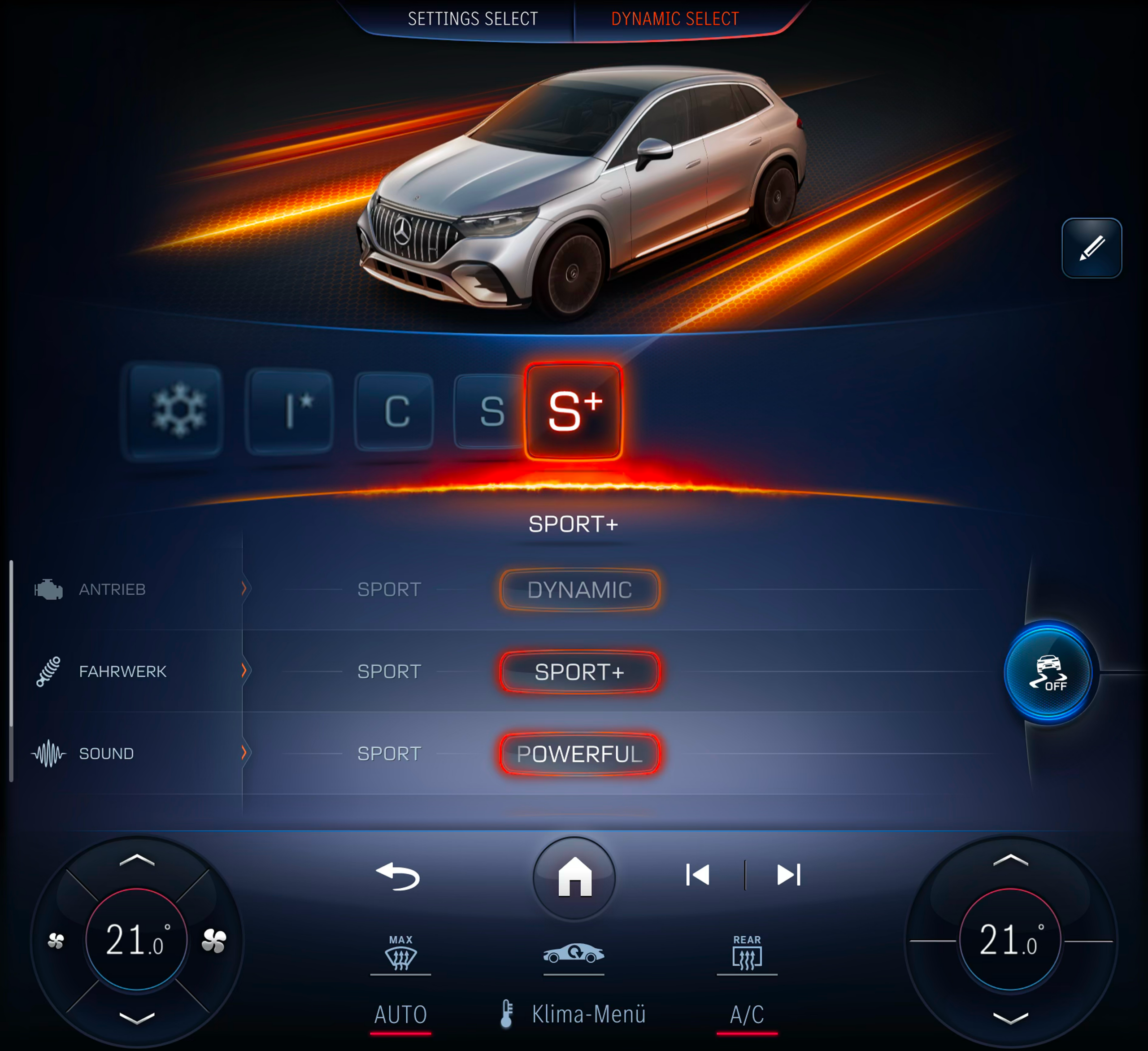
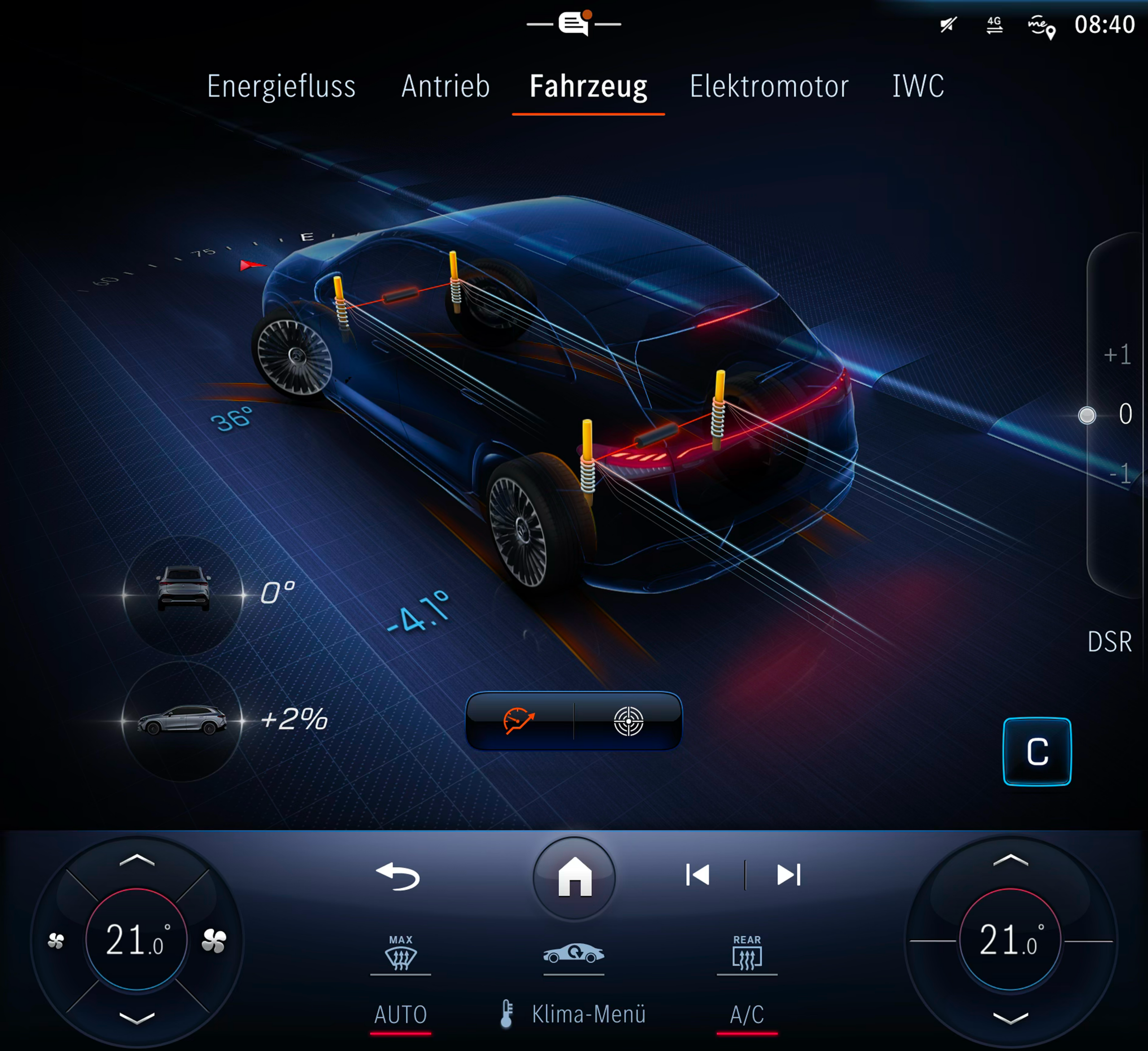
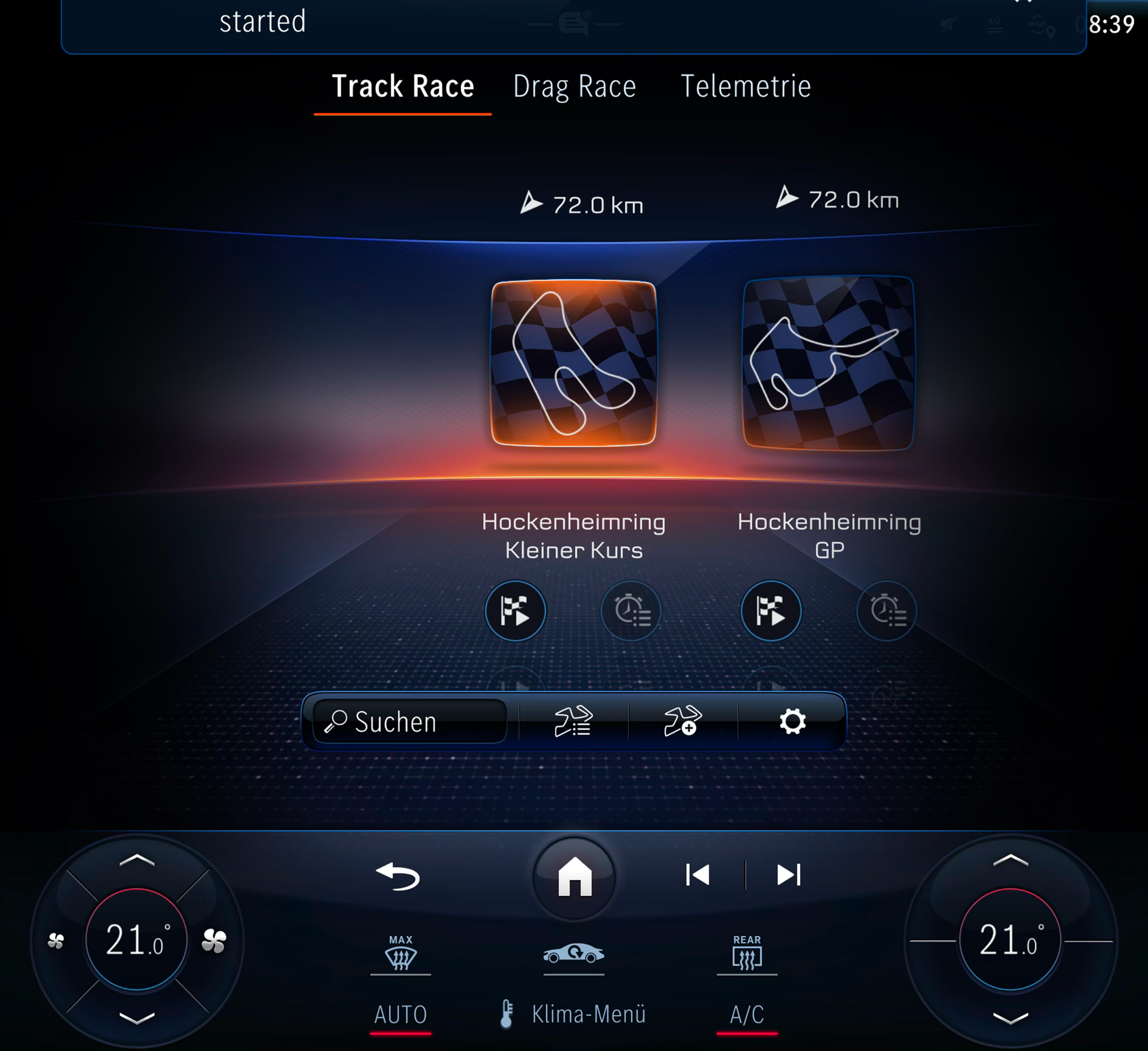
UI2020 screens — the basis for prototype development across navigation, media and driving modes
Figma → ProtoPie → CarConnect → Vehicle
The simulation pipeline connects four tools in a linear flow. Each step has a specific role; removing any one breaks the chain.
From lo-fi to in-car ready
The design process ran in three phases: conceptual sketching and early wireframes in Figma, mid-fidelity layout exploration, and final high-fidelity screens prepared specifically for the simulation environment — accounting for display brightness, viewing angle, and legibility at speed.
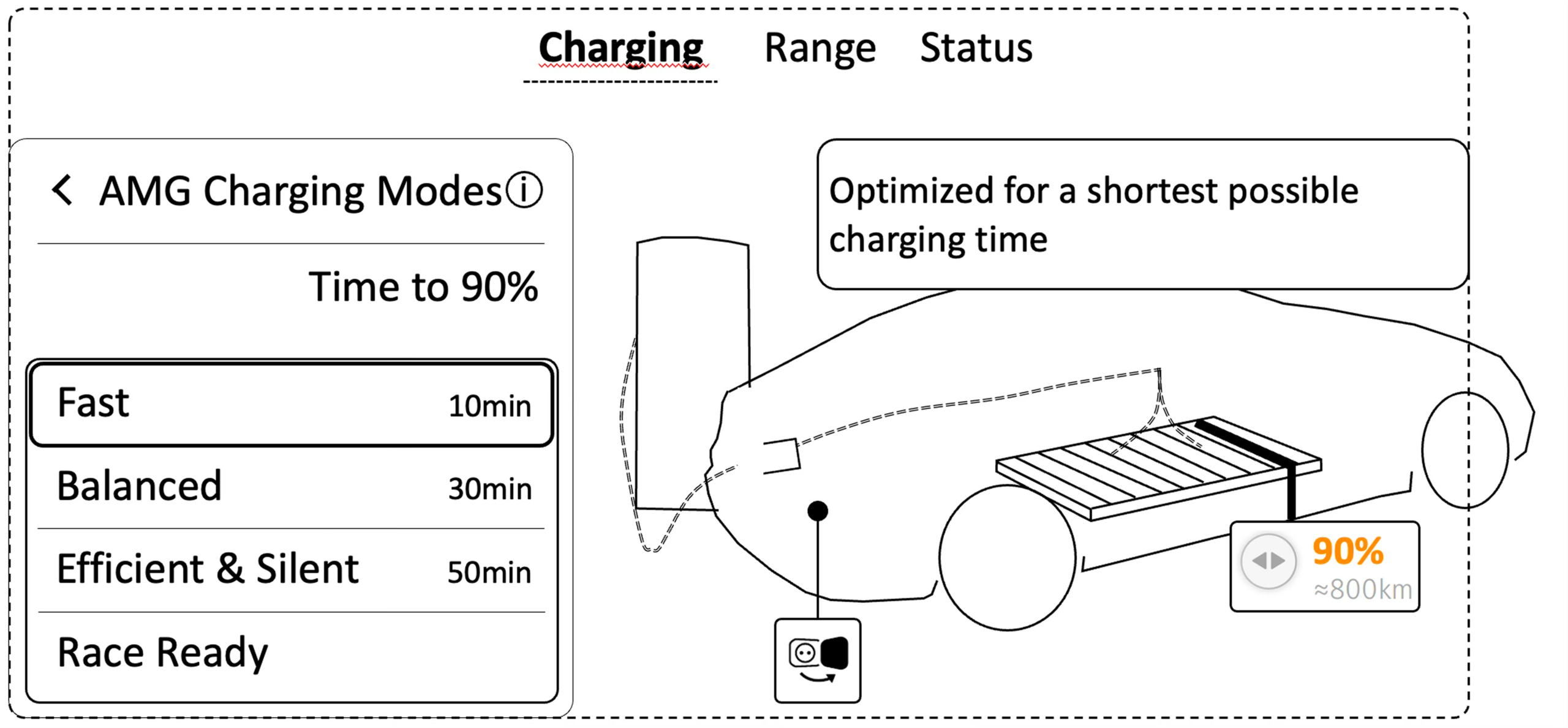
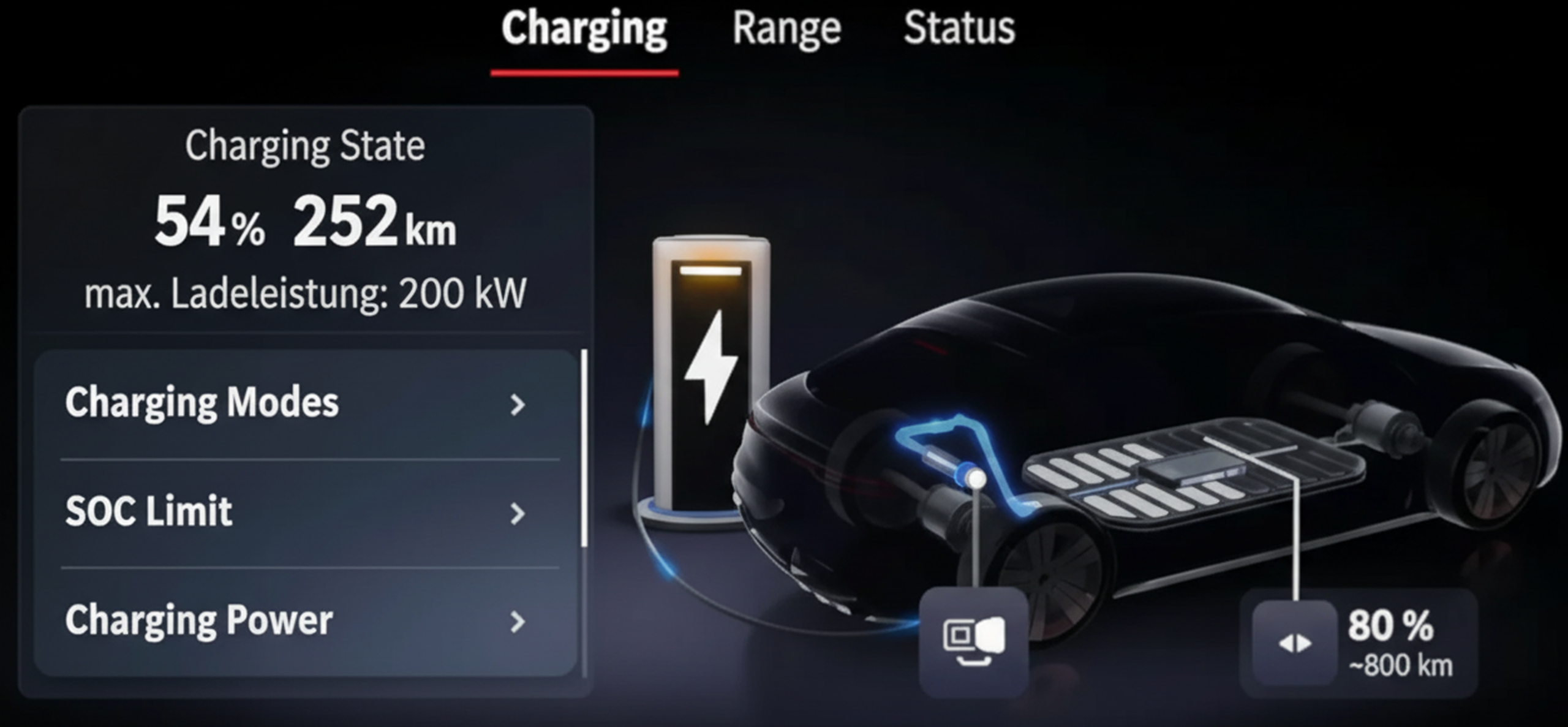
From wireframe to finished screen — concept to layout
In-car displays introduce constraints that don’t exist in consumer product design. Glare and contrast ratios change by time of day. Font sizes that look fine at a desk become hard to read at a glance. Touch targets need to account for hand tremor from road vibration.
Making it feel real
The interaction layer is where the simulation earns its credibility. ProtoPie handles the full behavioural model: rotary controller input, scroll gestures, haptic timing, animation curves, conditional state logic based on simulated vehicle signals.
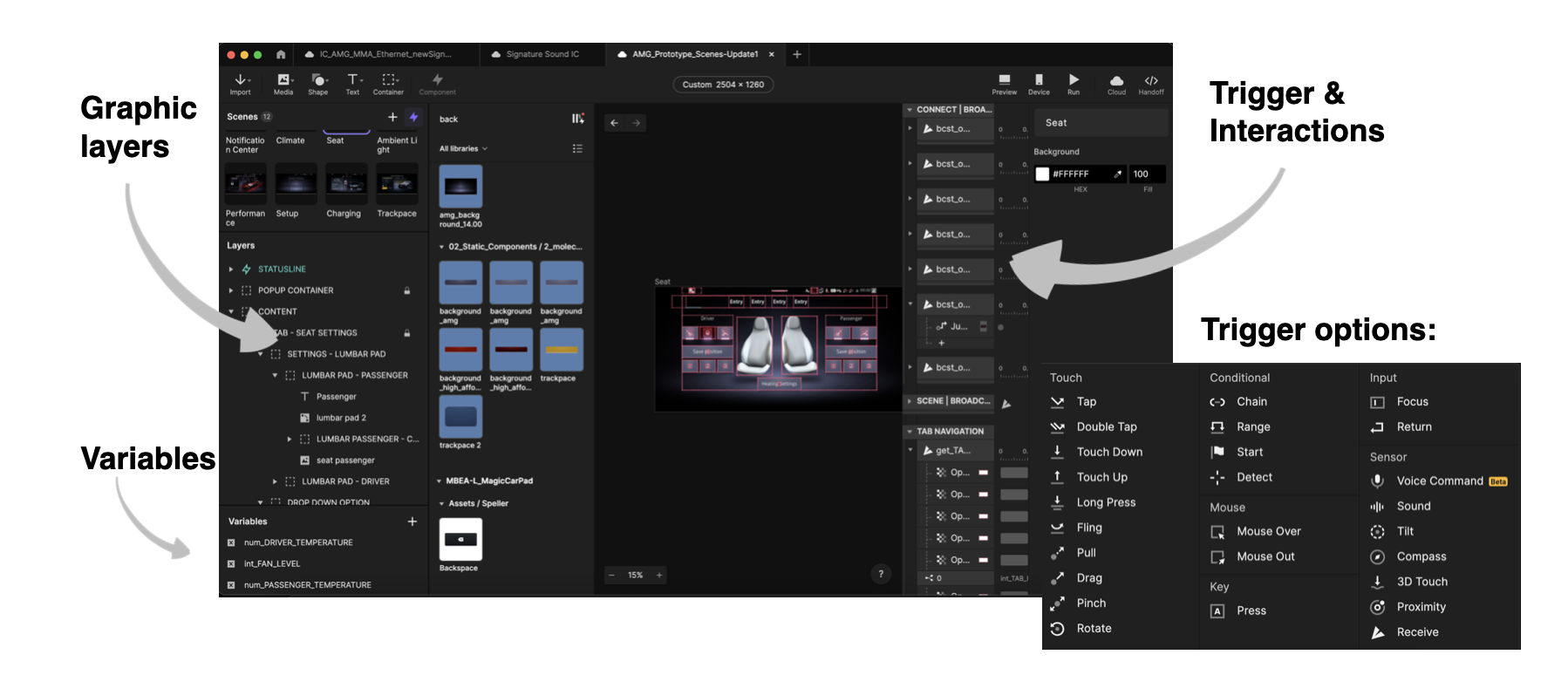
CarConnect setup — ProtoPie prototype mirrored live to in-dash display
CarConnect is the final link in the chain — it streams the live ProtoPie prototype directly to the vehicle’s display hardware. No export, no recording: participants see and interact with the actual prototype on the actual screen.
A shared reference for the whole team
The simulation environment was used in multiple stakeholder sessions, design reviews, and early-stage user evaluations. For the first time, everyone — engineers, product managers, executives — could experience a proposed UI change in context.
A prototype you can sit in changes the conversation. Stakeholders stop arguing about pixels and start talking about experience.
What this project changed for me
Before this project, I understood prototyping as a design tool. After it, I understood prototyping as a communication tool — the fastest way to create shared understanding across a team where everyone has a different mental model.
The real skill isn’t technical — it’s knowing which design questions are worth answering in the car, and which can be resolved on a laptop.